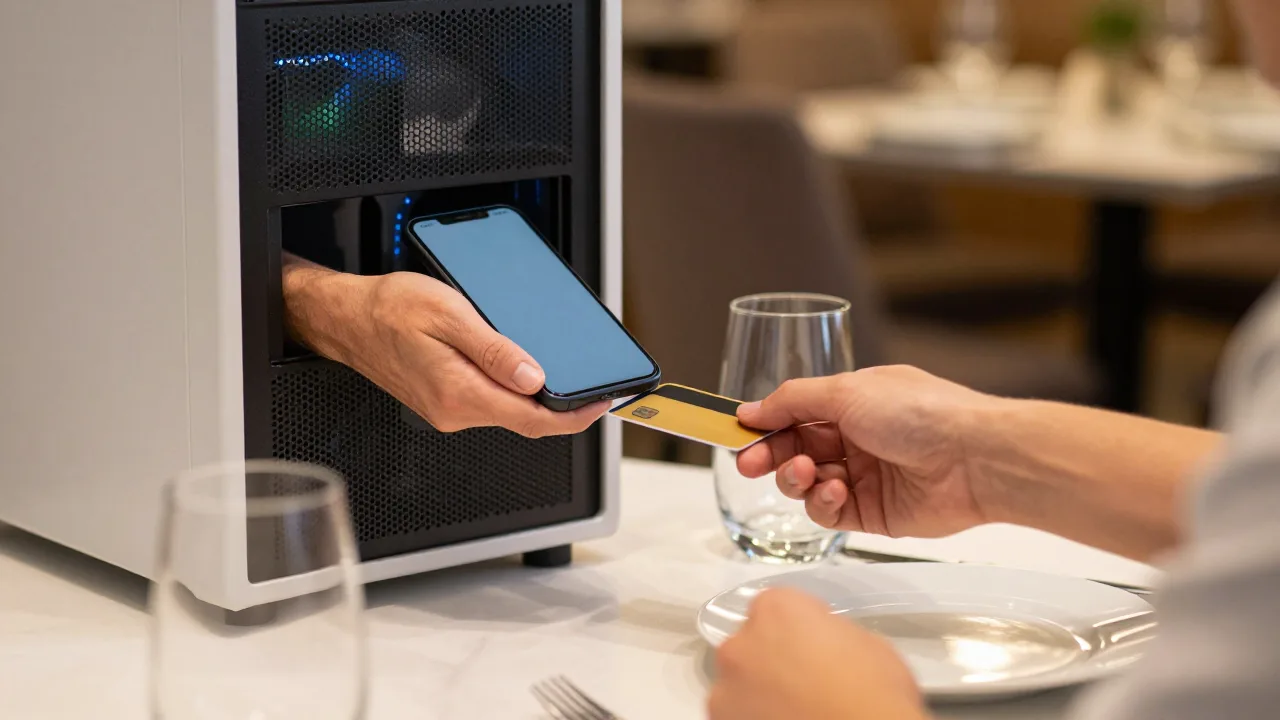
Friday night, 47 covers on the books, and your two handheld terminals are both dead on the charging dock because someone unplugged the strip to run a phone charger. Now three tables want to close out at once and you have one working device for a floor of eight. Your server is jogging to the POS station and back, guests are drumming their fingers, and the table that wanted to catch a movie at 8:15 is now visibly annoyed.
Every operator has a version of this story. Payment hardware is the one part of service that fails at exactly the worst moment: the terminal battery dies mid-rush, the Wi-Fi bridge drops, the patio is out of range, the food truck's card reader won't pair. And each failure hits at the checkout, the last thing a guest remembers about the visit. A slow payment doesn't just cost you a table turn — it's the note the whole meal ends on.
What makes it worse is that the fix has traditionally meant buying more hardware. Another handheld at $300 to $700 a unit, another charging base, another device to break, update, and eventually replace. For a 12-table dining room, kitting out the floor properly runs into thousands of dollars for equipment that spends most of its life sitting in a dock.
That's the problem Tap to Pay on Phone was built to solve. The card reader you need is already in the phone in your server's apron — and since 2022 on Android and 2023 on iPhone, it's been legal, certified, and available to use as one.
What Tap to Pay on Phone Actually Is
Tap to Pay on Phone (Apple's name; Android calls it Tap to Pay on Android) turns a standard smartphone into a contactless payment terminal. No dongle, no sled, no Bluetooth reader. The guest holds their contactless card, phone, or watch against the back of your device, the NFC antenna reads it, and the transaction runs through your payment app.
The technology underneath is the same secure element that powers Apple Pay and Google Wallet, running in reverse. Card data is encrypted inside the phone's secure enclave and never touches the app, the operating system, or your servers — which is why the card networks were willing to certify it in the first place, and why it does not expand your PCI scope the way a handful of loose card readers would.
Here's what it means practically: a restaurant with six servers and six smartphones has six payment terminals, at zero hardware cost, that never need charging separately because everyone already charges their phone.
What You Need to Run It
The requirements are narrow but firm. Check them before you build a plan around it:
| Requirement | iPhone | Android |
|---|---|---|
| Device | iPhone XS or later | NFC-capable device, most models from 2019 on |
| OS version | iOS 16.4 or later | Android 11 or later |
| Hardware security | Secure Enclave (built in) | Google Play Services + hardware-backed keystore |
| Region | US, UK, and 20+ markets | US and expanding |
| App | Payment app with Apple entitlement | App using the Tap to Pay on Android SDK |
Two constraints catch people out. First, rooted, jailbroken, or heavily modified devices are blocked outright — the attestation check fails and the app refuses to arm the reader. Second, this is contactless only. There is no chip slot and no magstripe swipe on a phone, so a guest handing you a card with a worn contactless antenna or an older card with no NFC at all still needs a physical terminal somewhere in the building. Plan for a fallback; don't plan to eliminate hardware entirely.
The Transaction Limits Nobody Mentions Until It Bites
This is the single most common surprise, so let's be specific. Contactless transactions historically carried a "cardholder verification method" ceiling — the amount above which a card needs a PIN or signature rather than just a tap. In the U.S. that limit has generally been raised to $250 by the major networks, and many issuers push it higher, but it is set by the issuing bank and it is not uniform.
What happens above the limit depends on your payment app. Modern implementations support on-device PIN entry, where the guest types their PIN on your phone screen for high-value transactions. If your app doesn't support it, a $312 check on a card with a $250 ceiling simply declines and the server has to walk to a real terminal. On a Saturday night in a steakhouse, that's not an edge case — that's a third of your checks.
Before committing, ask your provider three questions:
- Does the app support on-device PIN entry for transactions above the contactless limit?
- What happens on decline — a clear prompt with a retry path, or a cryptic error the server has to interpret at the table?
- Are tips captured before authorization on the phone, or does the flow require a separate tip adjustment afterward?
That last one matters more than it sounds. If tips are adjusted post-authorization, you inherit a nightly reconciliation step and the risk of an adjustment failing against a card with insufficient remaining authorization. A tip-before-auth flow on the phone screen — the guest picks 18/20/22% right there — avoids the whole category of problem and, in most operators' experience, lifts average tip percentage a point or two versus a paper slip.
Tap to Pay on Phone is not a replacement for your terminal fleet. It's the layer that makes the fleet you already have stop being the bottleneck.
Six Real Use Cases Where It Earns Its Keep
1. Overflow During the Rush
The clearest win. Your three handhelds handle normal service; on a Saturday when everyone wants to close out at 8:40, every server's phone becomes a fourth, fifth, and sixth terminal. You size hardware for a normal night instead of your worst night, which is where most of the cost was going anyway.
2. Patio, Rooftop, and Overflow Seating
Seasonal seating is the classic dead zone: too far for the terminal's Bluetooth bridge, not worth running a dedicated device for four months of the year. Phones run on cellular data, so a rooftop 40 feet from the nearest access point works exactly like table four.
3. Curbside and Delivery Handoff
A runner walking an order to a car with a phone in hand can take payment at the window and be back inside in 45 seconds. No reader to carry, no order to bring back inside because the card declined.
4. Food Trucks, Markets, and Pop-Ups
Off-premise operations were the original use case and are still the strongest. A single phone is your entire payment infrastructure, and a second staff member with a phone doubles line capacity for free. Anyone running a farmers-market stall alongside a brick-and-mortar location has probably already done the math.
5. Catering and Event Balances
Collecting a final balance at the end of an off-site event has always been awkward — invoice and wait 30 days, or haul a terminal to a wedding venue. Tapping a card on a phone at the loading dock closes the ticket the same night. Watch the transaction limits here, though: catering balances routinely exceed contactless ceilings, so on-device PIN support is non-negotiable for this use case.
6. Line Busting at the Counter
Fast-casual concepts with a lunch queue out the door can send a staff member down the line with a phone, taking orders and payment before customers reach the register. The register then just fulfills. This is the same play the big coffee chains run with dedicated hardware, available to a 900-square-foot sandwich shop for the cost of nothing.
Example scenario: A Brewery Patio That Stopped Losing Its Last Turn
Illustrative scenario — a composite example built to show how the numbers work. It does not describe a real business or customer.
A 140-seat brewery taproom in Asheville had a chronic summer problem: the 60-seat patio was outside reliable range of its Bluetooth handhelds, so patio checks got run at the indoor station. Servers averaged four minutes per closeout round-trip, and on busy evenings the last patio turn simply didn't happen because closing out the 8:00 seating ate the window. The operator enabled Tap to Pay on Phone across seven server phones in a single afternoon — no hardware purchase, no install visit. Average patio closeout time fell from roughly four minutes to 50 seconds. Over a 14-week summer, the taproom estimated it recovered eight to eleven additional patio turns per week at an average check of $41, adding somewhere around $4,600 a month in recovered revenue. The comment that stuck with the GM came from a server: "I stopped dreading the patio section."
Fees, and Whether This Costs More
Tap to Pay on Phone is a card-acceptance method, not a pricing model, so the processing rate is whatever your merchant agreement says for a card-present contactless transaction. The important detail is that it is card-present: transactions qualify for the same interchange categories as a physical terminal, not the more expensive card-not-present rates you'd pay for keying a number in manually. That distinction is worth 0.3% to 0.8% depending on the card, which is exactly why "just type the number into the POS" was always a bad workaround.
What you save is hardware. Skipping four handheld terminals at roughly $400 each is $1,600 in avoided capital cost, plus the $10 to $25 per device per month that many providers charge for terminal rental or support. Over three years, a six-device fleet avoided is commonly worth $4,000 to $7,000 — before counting the units you didn't have to replace after they hit the tile floor.
The catch is that some providers charge a premium rate for phone-based acceptance or bundle it into a higher-tier plan. Ask explicitly whether the rate matches your standard card-present rate. If it doesn't, the hardware savings can evaporate quickly at volume. For a deeper walkthrough of how phone-based acceptance fits alongside a full point-of-sale, our colleagues have covered using a phone as a POS payment terminal in detail.
Rolling It Out Without Chaos
The technology is easy; the operational change is where rollouts stumble. A sequence that works:
- Audit the device fleet first. Confirm every phone that will take payments meets the OS and hardware minimum. One server on a five-year-old Android is the reason the rollout "doesn't work."
- Decide personal phones or company devices. Personal phones cost nothing and are always charged, but raise fair questions about battery use, data, and what happens when someone quits. Company phones cost $200 to $400 each but keep everything under your control. Most independents start with personal phones and a written policy; groups above five locations usually standardize on company devices.
- Write the policy before day one. Cover who may take payments, what happens to the app when someone leaves, whether phones may be used for anything else during service, and how a lost phone is reported. Ten minutes of writing prevents a genuinely bad week later.
- Pilot with two servers for one week. Pick your two most technically comfortable people, let them find the rough edges — especially around tips and declines — and let them train everyone else. Peer training beats a manager demo every time.
- Keep one physical terminal live per section. For non-contactless cards, high-value checks if PIN support is limited, and the night the cellular network has a bad hour. Redundancy is the point, not an admission of failure.
- Measure closeout time before and after. Time ten closeouts the week before and ten the week after. If it hasn't moved, the problem is training, not technology.
One more thing worth doing: tell your guests. A small note on the check presenter that says "we can take payment right at your table" converts the capability into a perceived upgrade rather than something people barely notice. Guest-facing contactless adoption has been climbing steadily for years, and the operators seeing the biggest lift are the ones treating it as a service feature, not a back-office change. The broader shift toward NFC and contactless payment adoption means most of your guests are already trained — they just need to know you're set up for it.
How It Fits With Everything Else at the Table
Phone-based acceptance works best as one option among several rather than the whole strategy. A well-built floor has a physical terminal for the exceptions, handhelds for the servers who prefer them, QR-based pay-at-table for guests who want to split six ways without anyone's help, and phones as the elastic capacity that absorbs the rush. Our guide to setting up contactless payments in a restaurant covers how to sequence those layers, and the comparison of integrated versus standalone terminals is worth reading before you decide what your fallback hardware should be.
The through-line is speed. Every second between "we're ready" and "we're done" is a second of table time you can't sell, and closing out at the table rather than at a station is one of the highest-leverage moves available for restaurant payment speed. When the payment method, the point of sale, and the reporting all live in one system, adding a phone to the floor takes about ninety seconds and shows up in the same reports as everything else — which is the difference between a tool people actually use and one that dies in the drawer after a month.
Add Terminals Without Buying Terminals
KwickOS runs point-of-sale, handheld, and phone-based payment acceptance from one platform — same card-present rates, tips captured before authorization, and every transaction reporting into the same reconciliation whether it came from a terminal or a server's phone.
Try KwickOS free — 5,000+ restaurants trust us →KwickOS Ecosystem
© 2024-2026 KwickOS. All rights reserved.